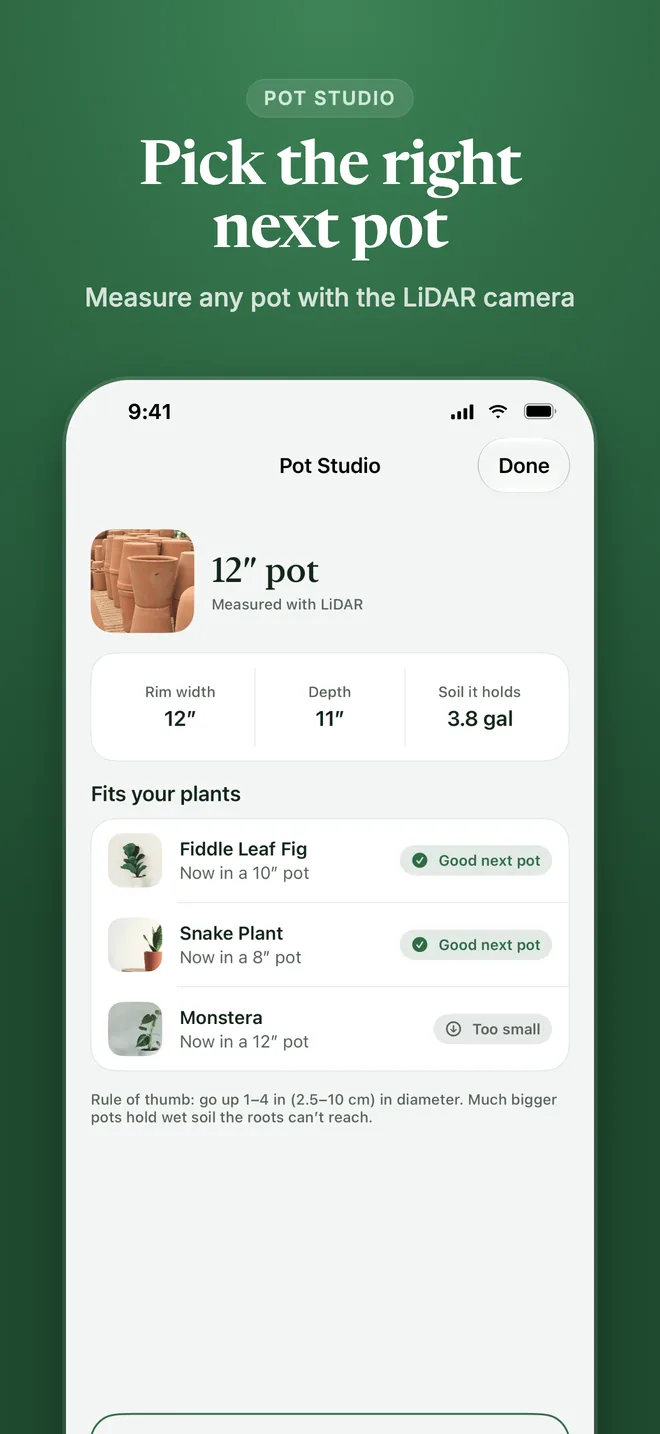
Pot Studio
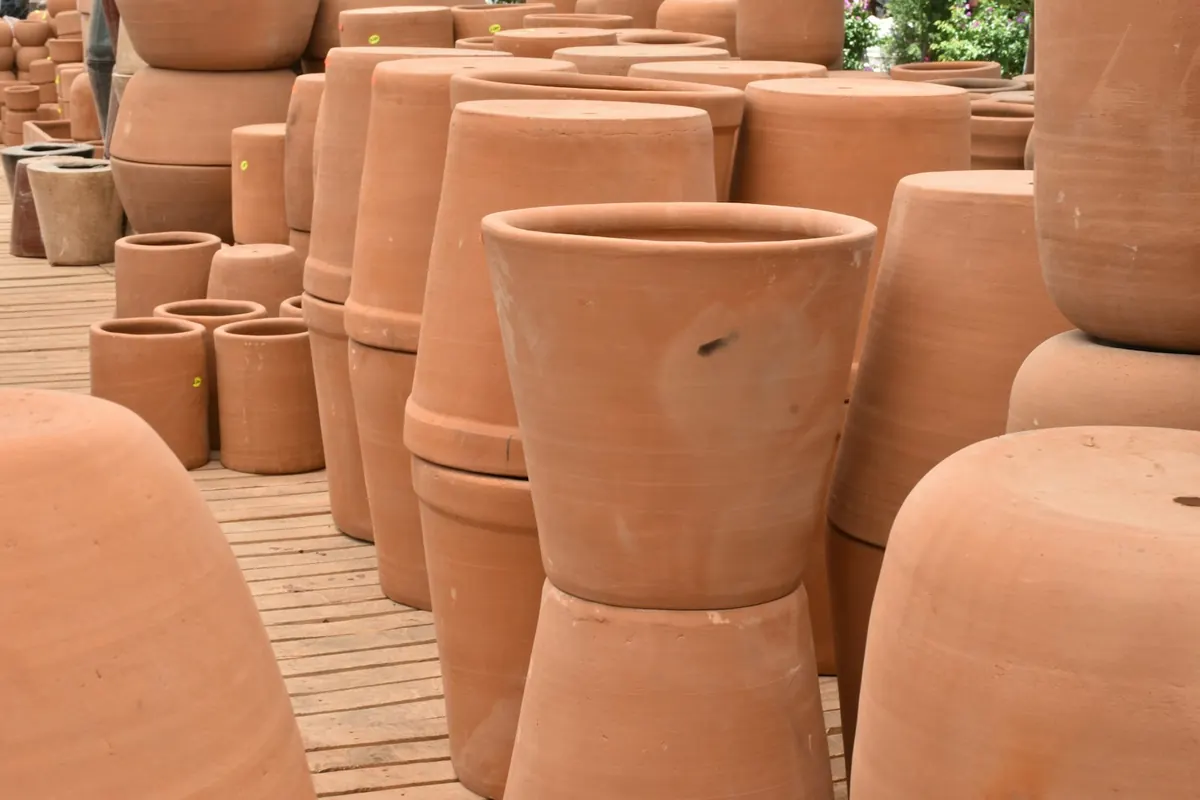
Measure a pot’s size and volume, and see which of your plants it fits next.
For iPhone · No account needed
Scan a plant to measure it and its pot, check a leaf when something looks off, and get a watering plan built for that plant and your local weather.
What Canopy does
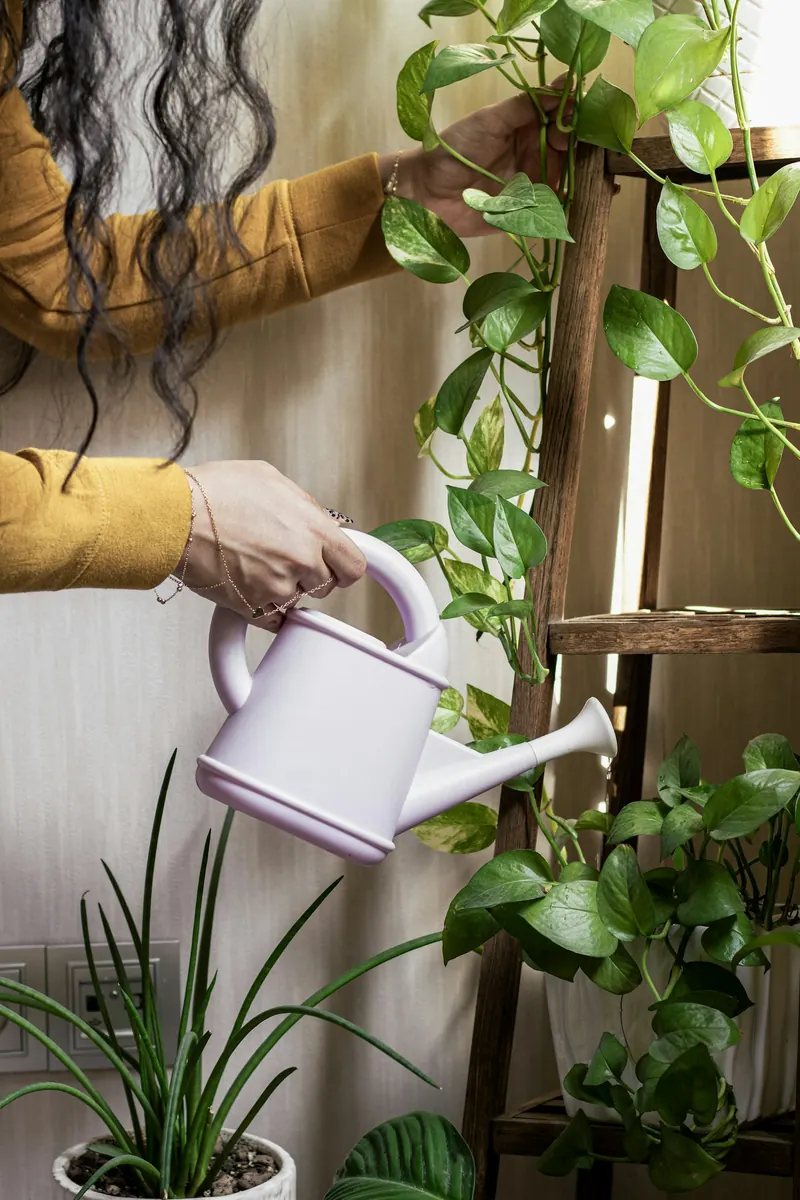
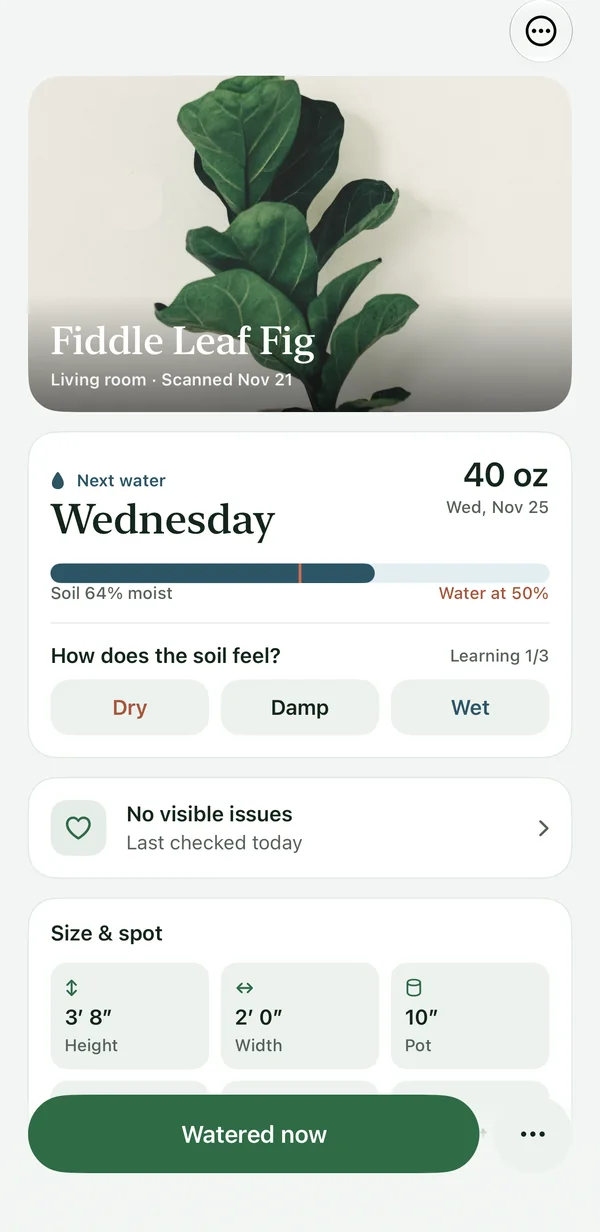
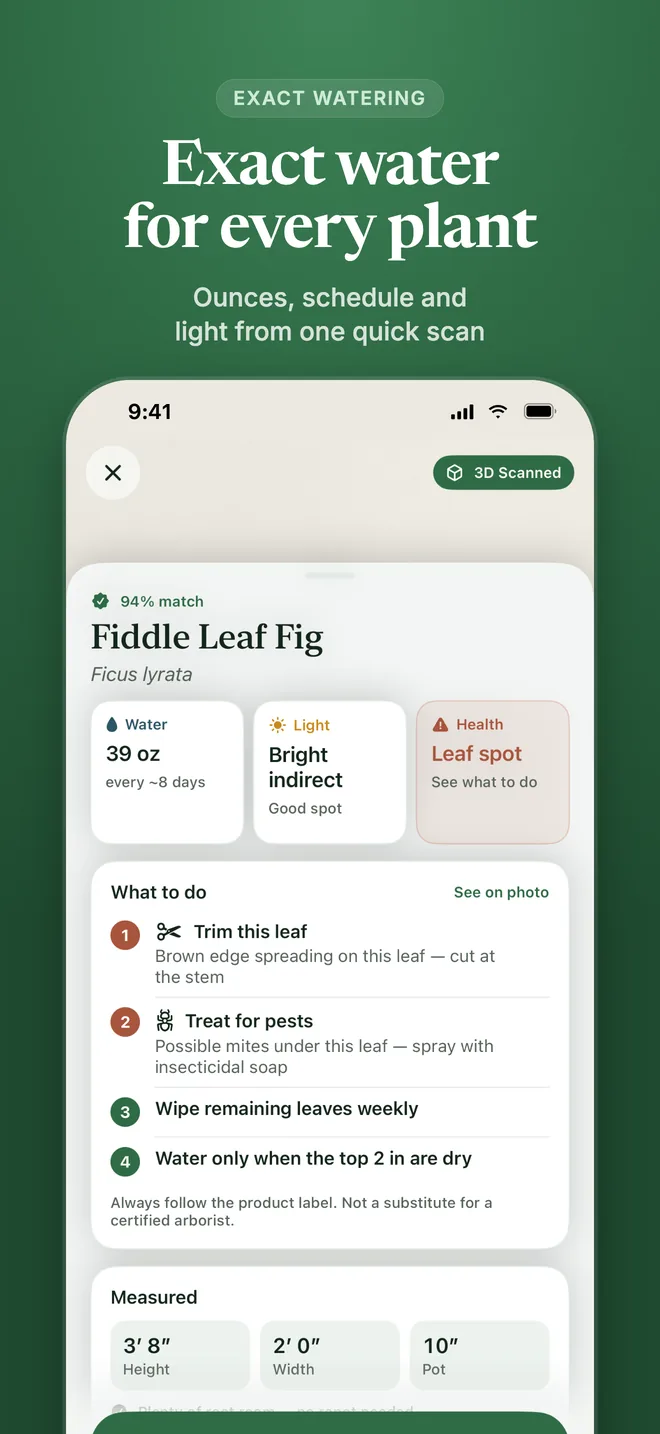
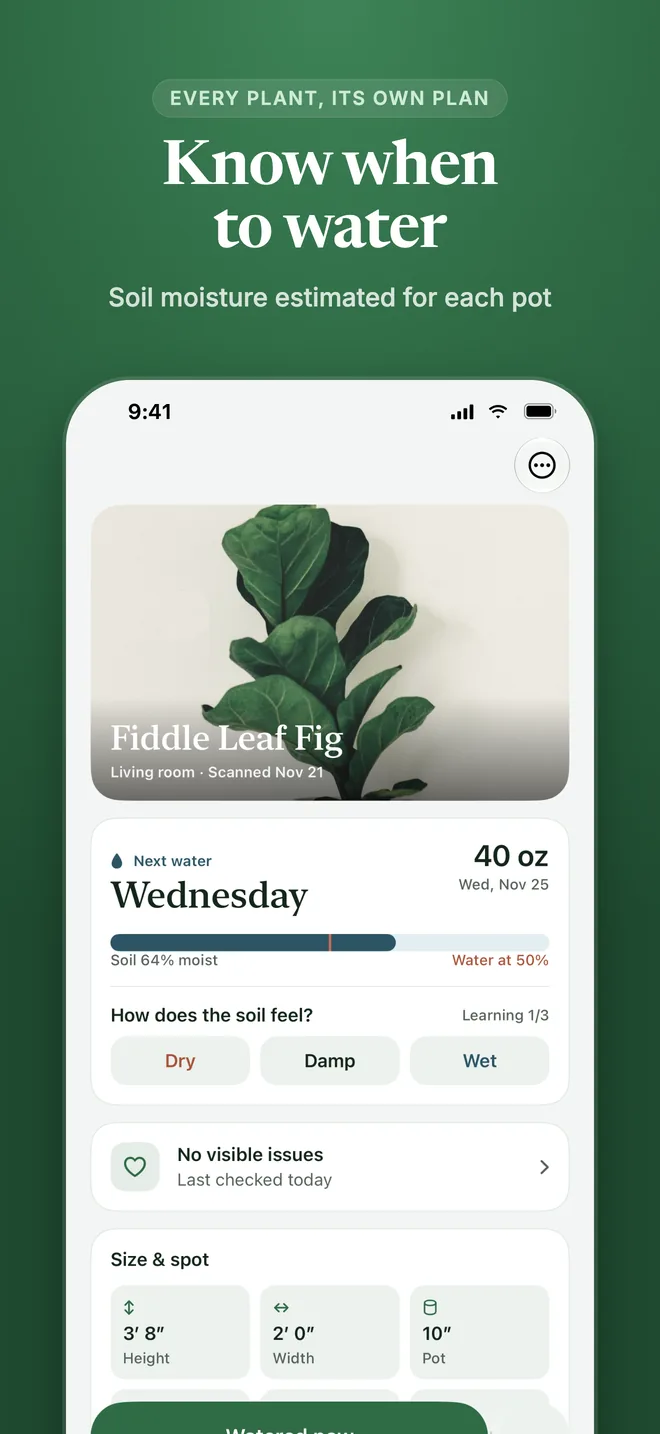
Exact watering
Canopy works out an amount in ounces or milliliters for each plant from its pot size, pot material, soil and light, then schedules it around your local weather.
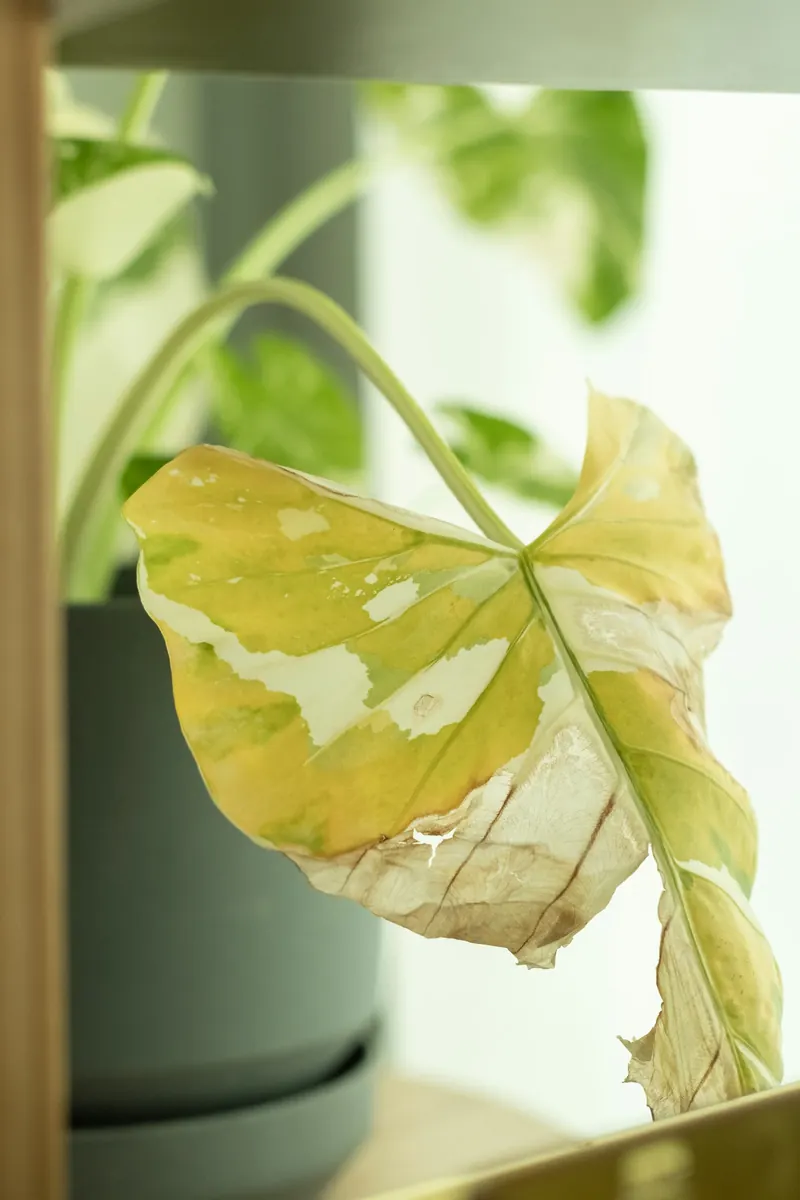
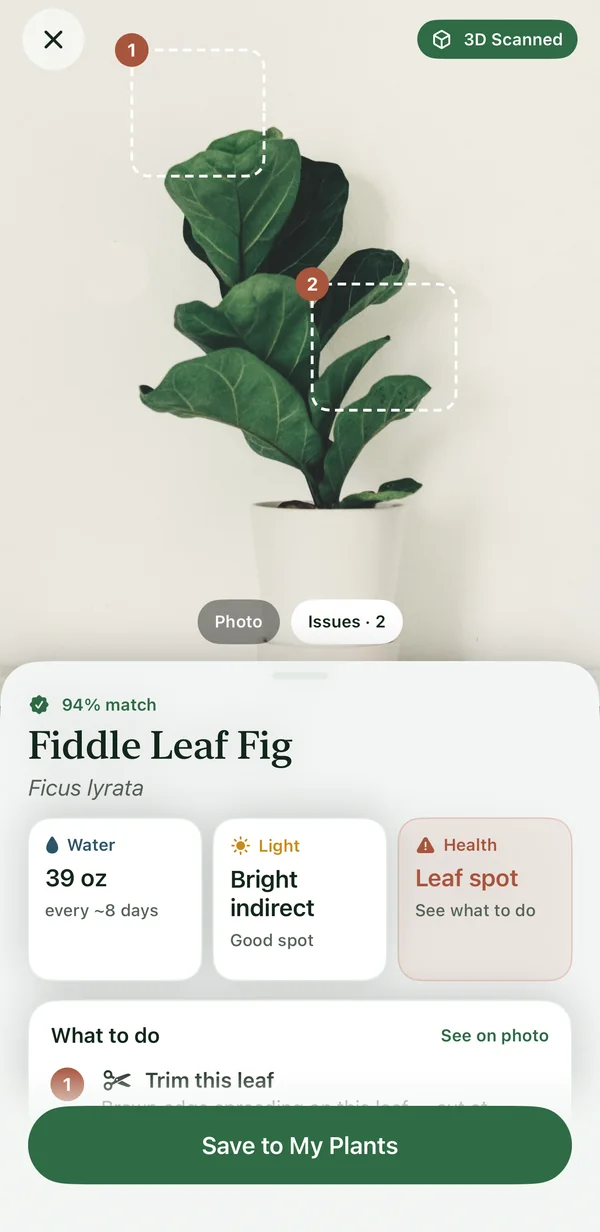
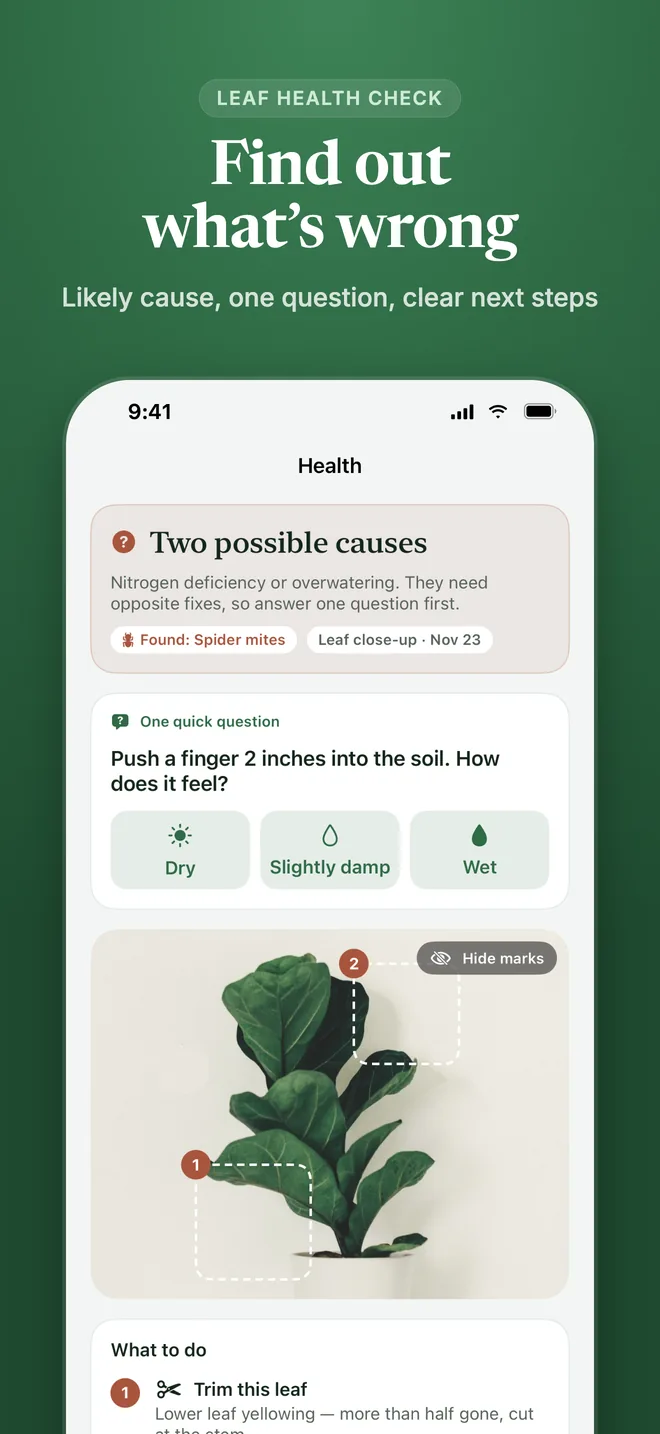
Leaf health check
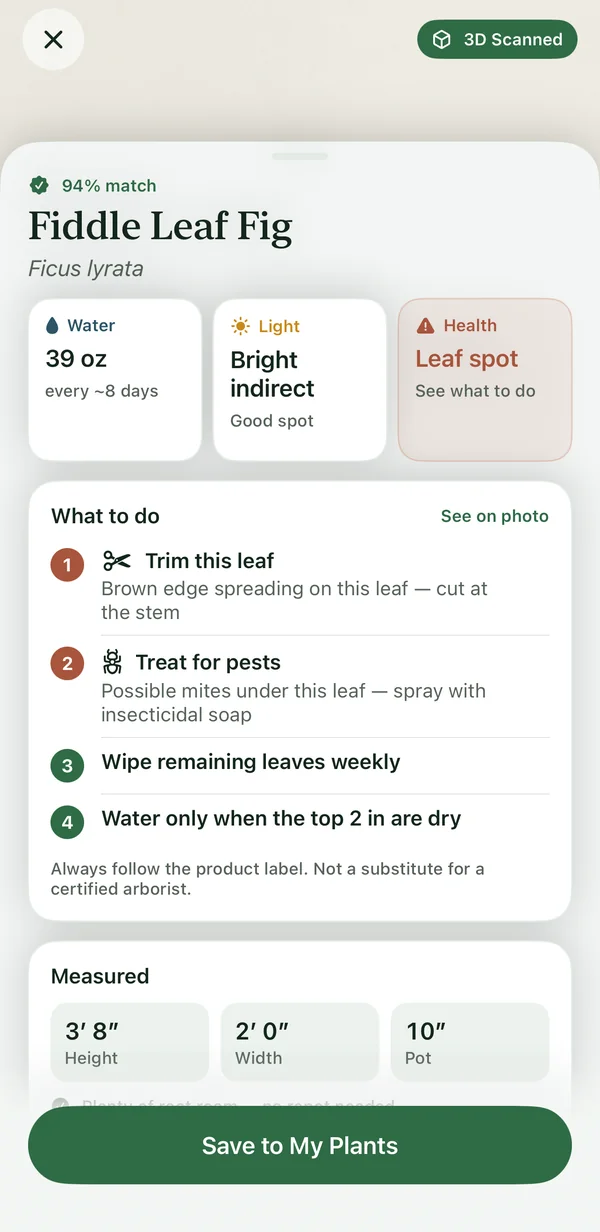
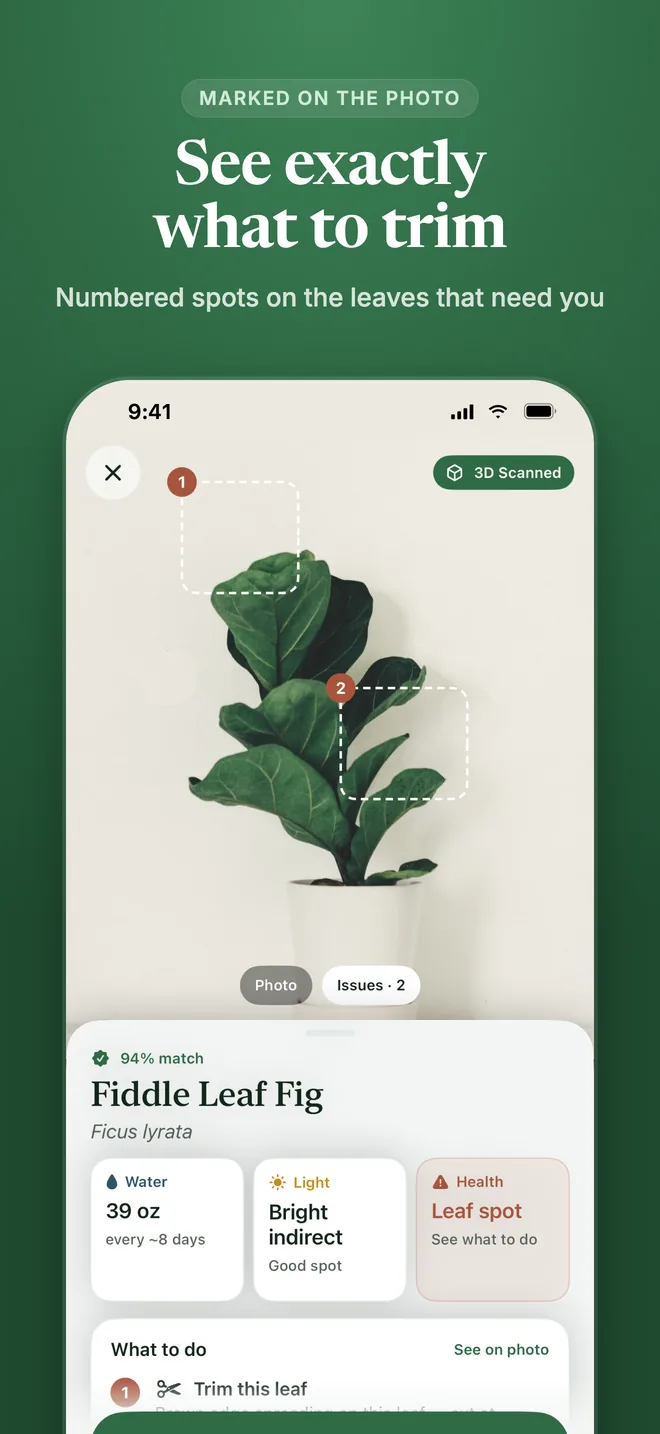
Take a close-up of a leaf that worries you. Canopy checks the photo is sharp enough, describes what it sees, such as yellowing, brown tips, spots, webbing or mealybugs, and numbers the spots to act on.
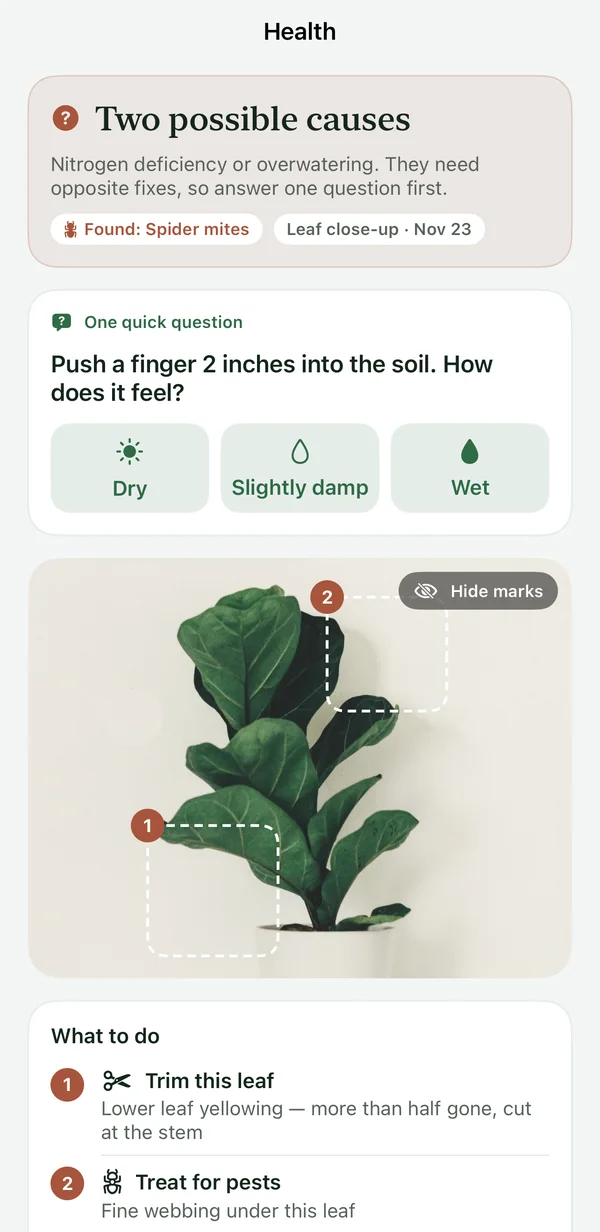
Cause and care plan
The photo is weighed against what Canopy knows about the plant: when you last watered, its light, a recent repot and the season. When two causes need opposite fixes, it asks one quick question first.
Plant scan
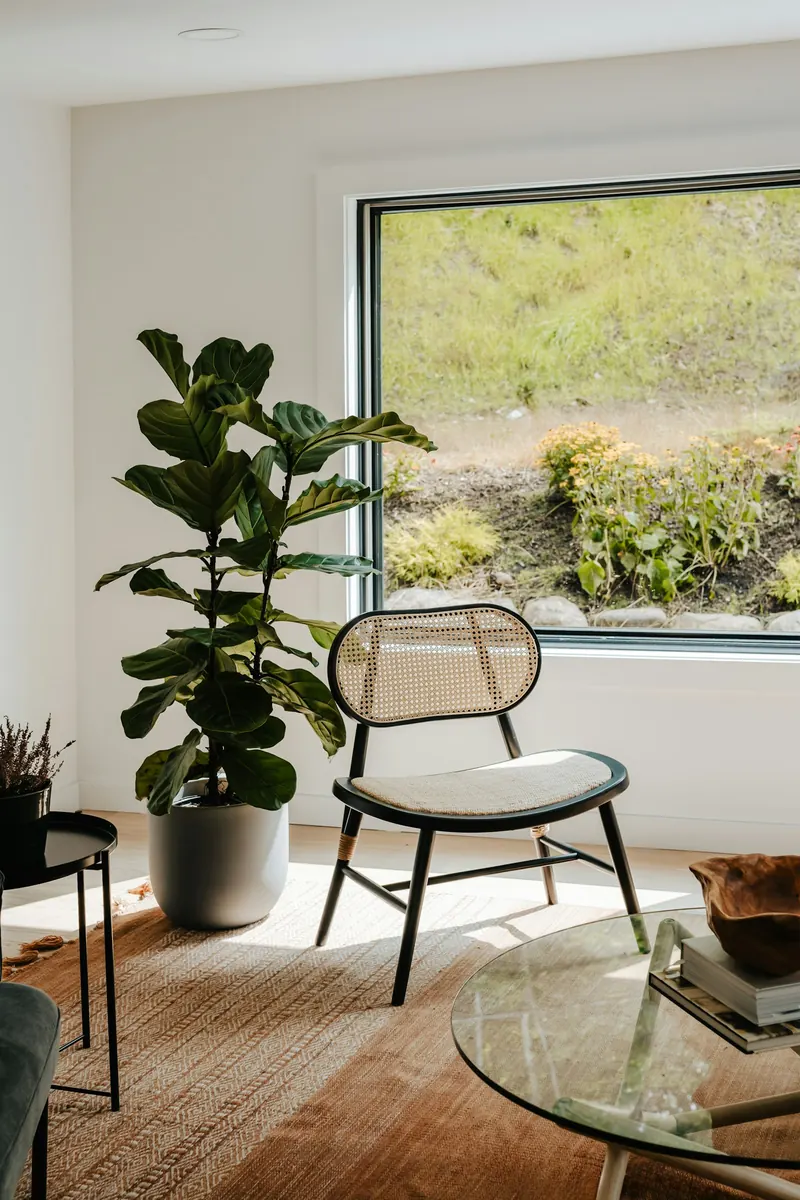
Point your iPhone at a potted plant. On iPhone Pro models the LiDAR camera measures plant height, canopy width and the pot’s diameter, depth and volume. Canopy also suggests up to three species from the photo, and you confirm the right one.
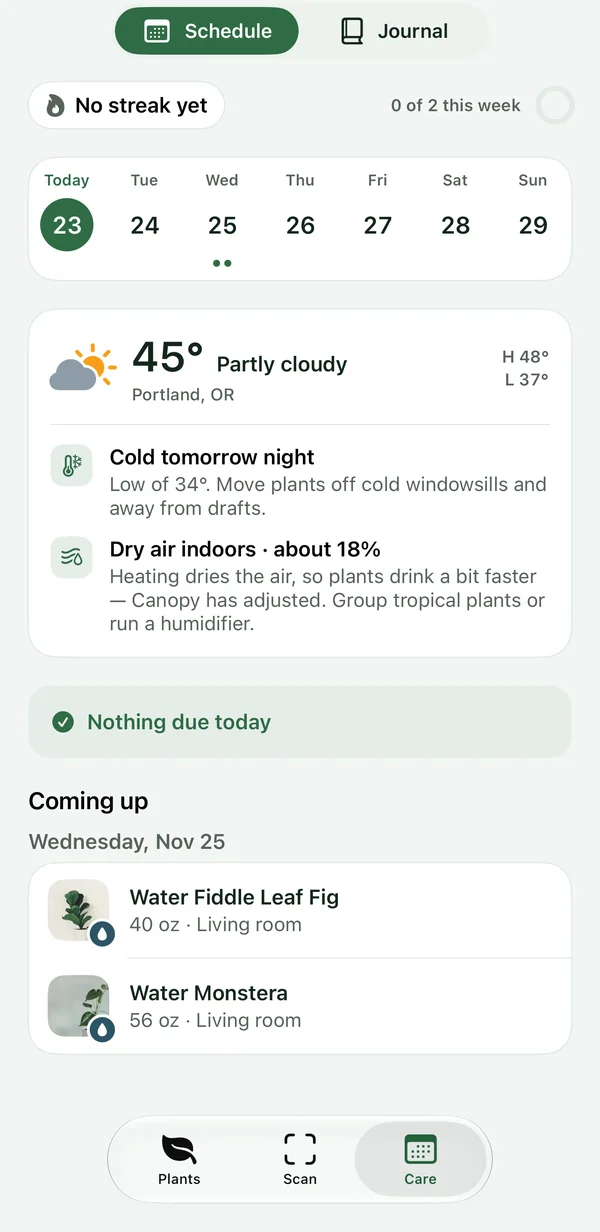
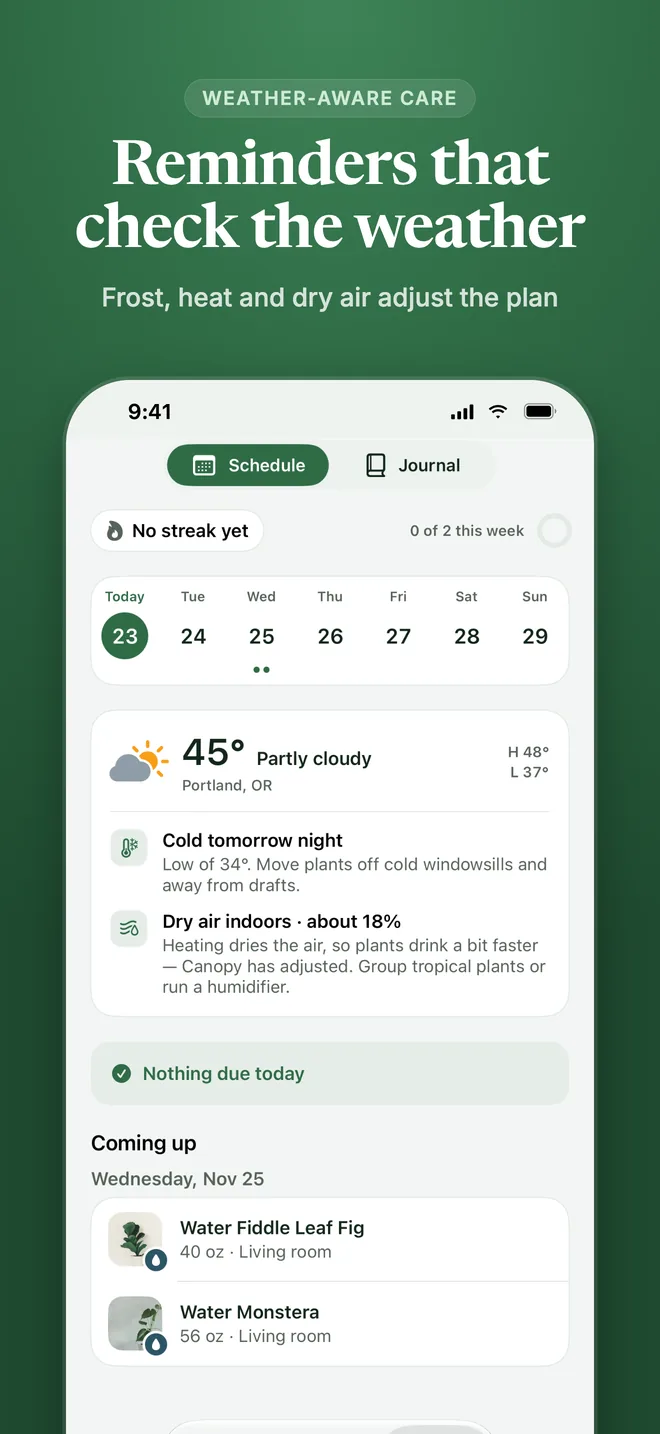
Care schedule
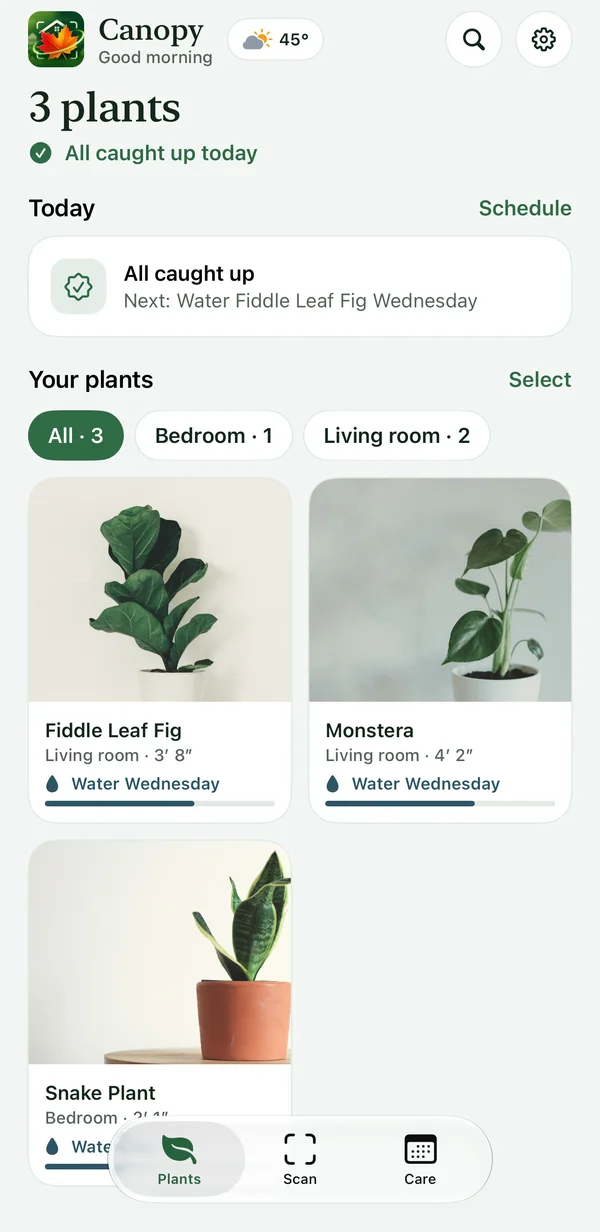
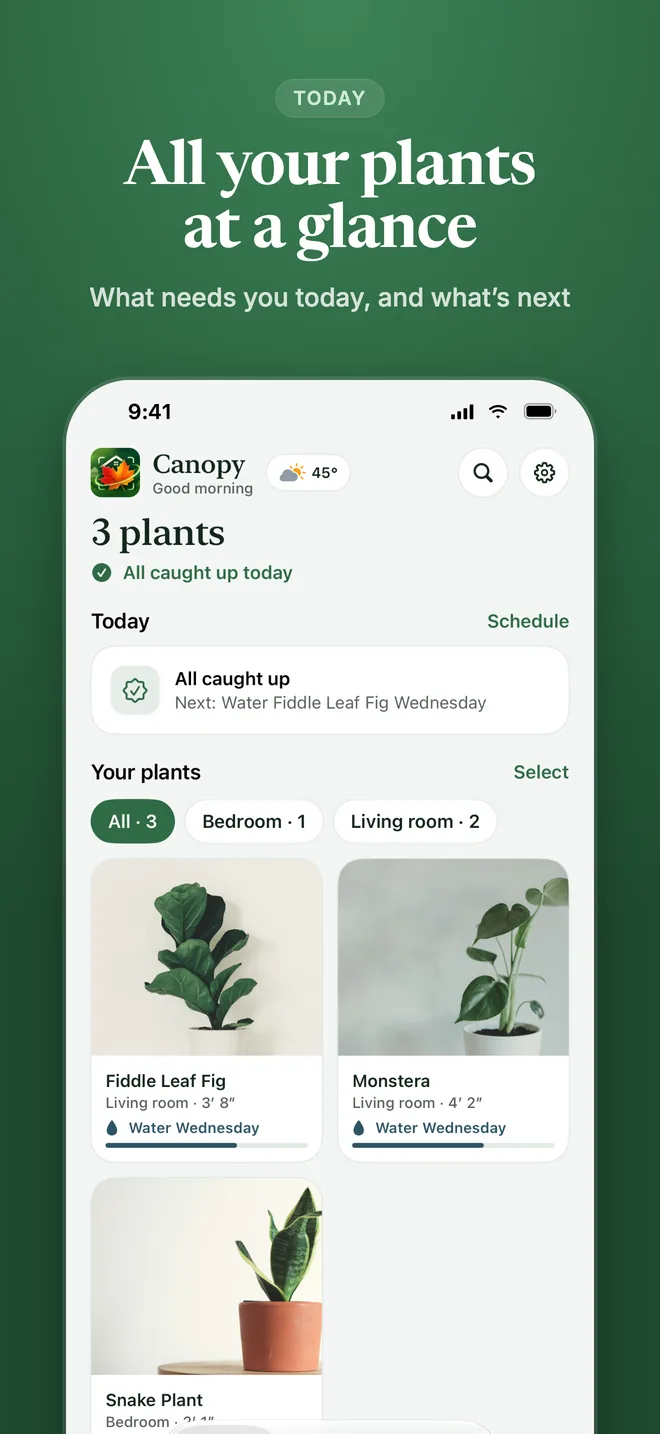
Today shows what needs you, and nothing else. Schedule plans watering, feeding, rotating, wiping leaves, repotting and re-checks. A daily digest lets you mark “Watered” or “Snooze” right from the notification.
Measure a pot’s size and volume, and see which of your plants it fits next.
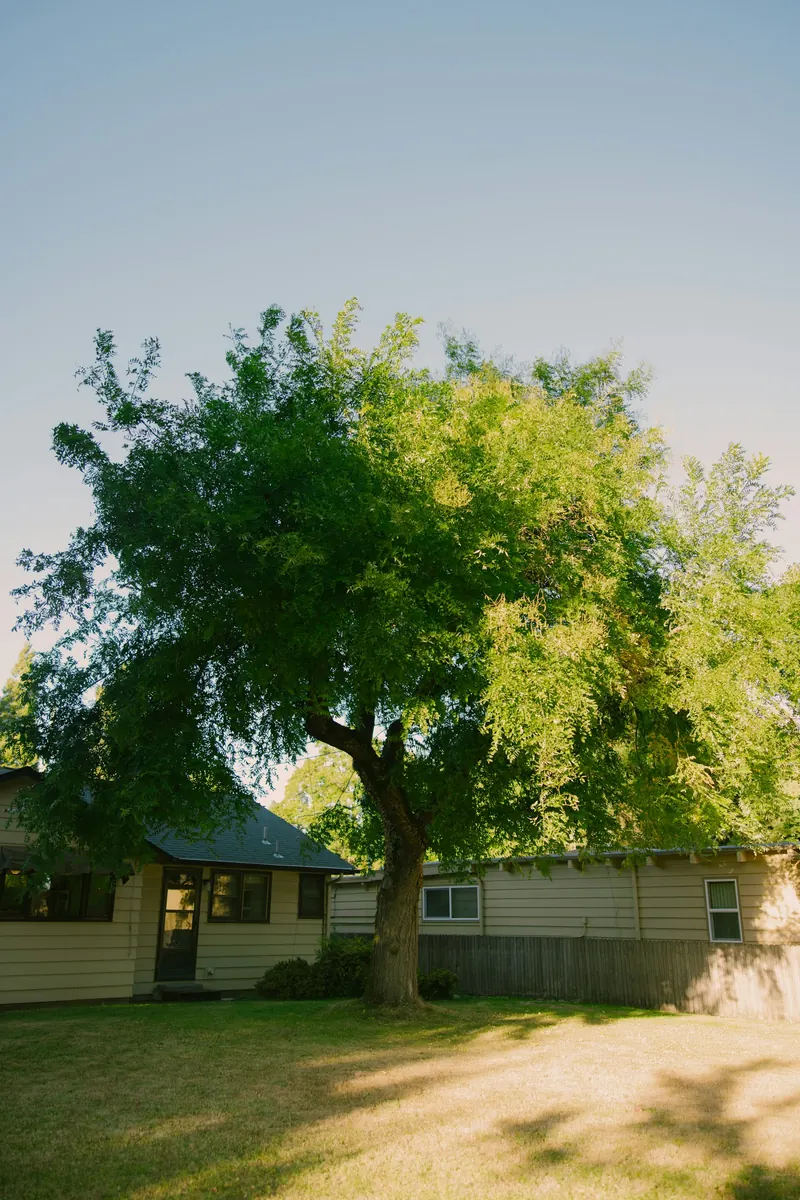
Measure the height of a yard tree with your iPhone camera.
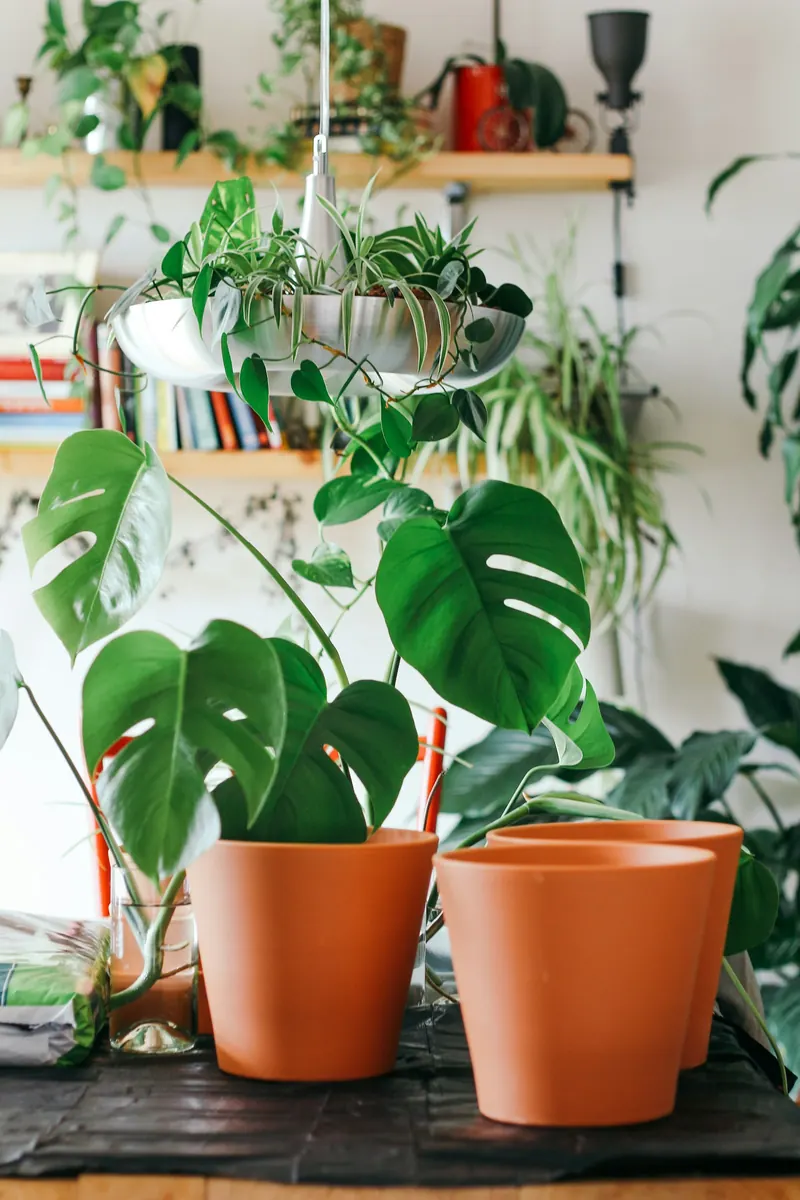
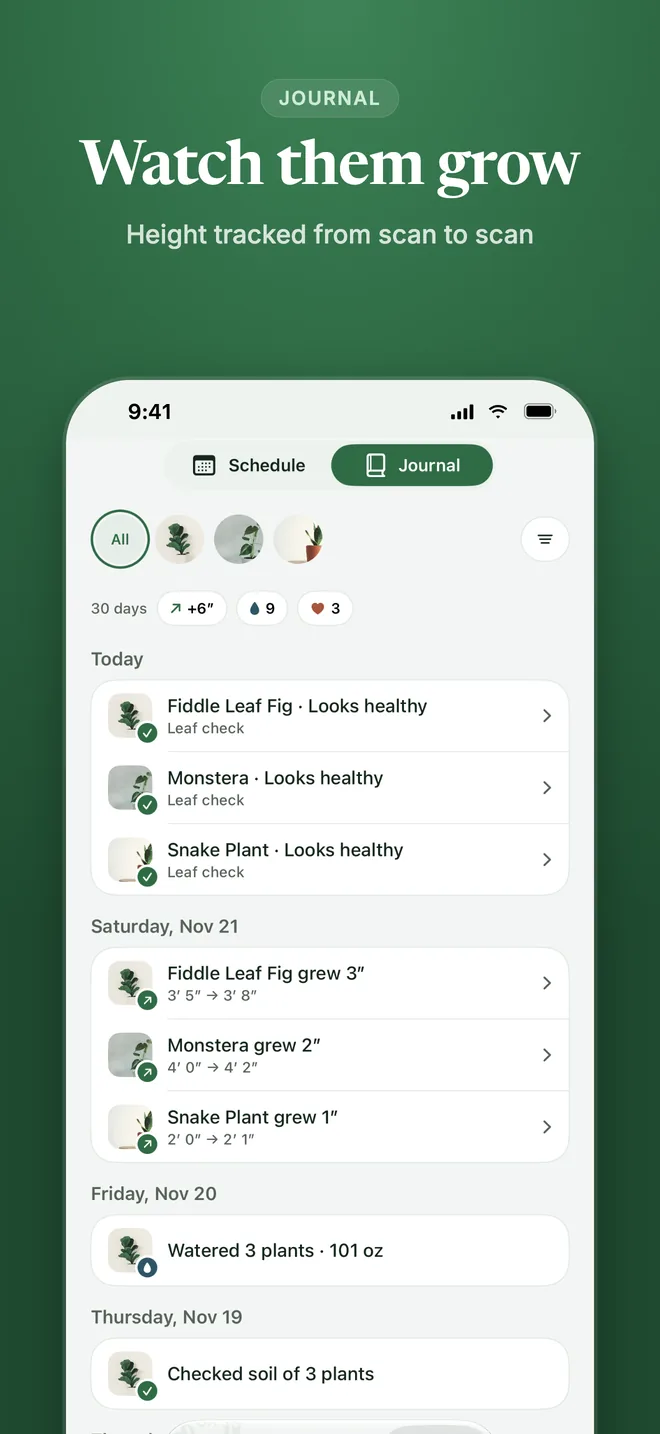
See how much each plant has grown from one scan to the next, in the Journal.
No account, no ads, no tracking. Your plants and care history stay on your iPhone, and you can delete everything in Settings.
Read the privacy policyHow it works
Point your iPhone at the plant. Canopy measures it and its pot and suggests the species.
If something looks wrong, photograph the leaf. You get the likely cause and what to do.
Water the amount shown on the day shown. Reminders adjust for your weather.
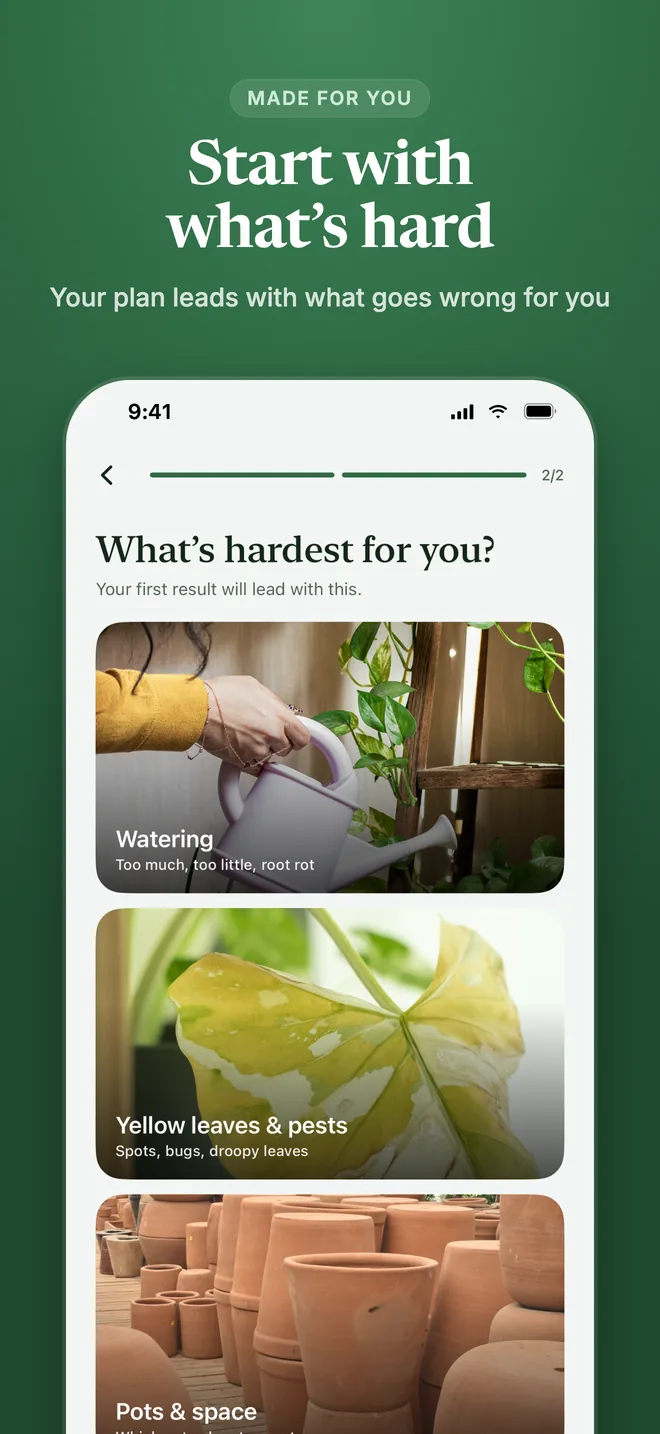
Real screens from Canopy on iPhone.
The LiDAR camera is on iPhone 12 Pro, iPhone 12 Pro Max and later Pro models. On those, Canopy measures plant and pot size directly. Other iPhones running iOS 17 or later get an AR estimate, labeled “Estimated” so you always know which numbers are measured.
No. There is no sign-up and no login. Open the app and scan your first plant.
Your plants and care history stay on your iPhone. When you choose to check a scan frame or leaf photo, it is sent over an encrypted connection to our analysis server and described by Anthropic’s Claude. We don’t store the photo. The result is cached by an image fingerprint for up to 30 days so the same photo isn’t analyzed twice. Details are in the Privacy Policy.
Only if you want watering adjusted for your weather. Canopy rounds your location to about 1 km and sends it to Open-Meteo for the forecast. Say no and everything else still works.
Canopy shows each possible cause with how sure it is, and asks a question when the answer changes the fix. If the photo is blurry or too dark, it asks for a clearer one. It gives care guidance, not a guarantee. For large or valuable trees, see a certified arborist.
Canopy is made for iPhone, running iOS 17 or later.
Go to Settings › Data & privacy › Delete all data in the app. Since there’s no account, nothing on our side is linked to you.
Scan one plant and you’ll know exactly how much to water it, and when.